> Version 1.5.1 · Oct 29, 2026
Orbit is now called Kompil
A new icon in black or white, encrypted data in the database, email confirmation by code, AI connections in your profile, a guided tour and themes that paint the whole IDE.
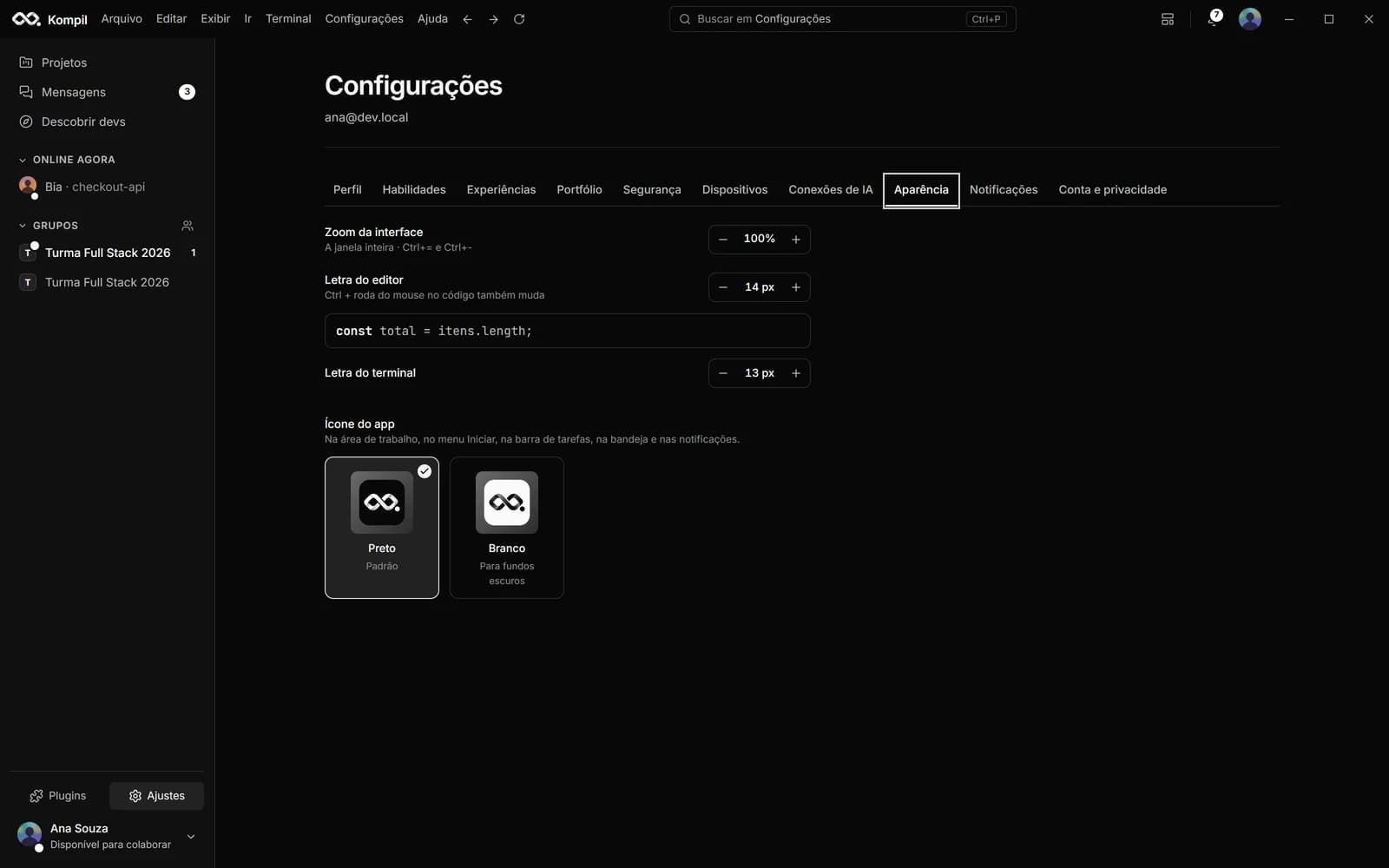
Illustration: the Kompil Code symbol, a glowing infinity loop, in the center; around it, tilted rings carry the app's features — live editor, AI agent, terminal, Git, extensions, chat and history — in orbit.
> kompil 1.5.1 // for Windows
The IDE where your team edits the same code at the same time, talks right on the line and runs the project on their own computer — with an AI agent that uses your key and asks before changing anything.
Windows 10 and 11 (64-bit) · 201.3 MB · macOS and Linux coming soon
// Works with
// how it works
Step 01 of 03: Connect. Create the project or import a folder from your computer or a repository. Invite the team with a role for each person.
> step 01 / 03
> 01 // New project · Ctrl+Alt+N
Create the project or import a folder from your computer or a repository. Invite the team with a role for each person.
> 02 // src/cart.js
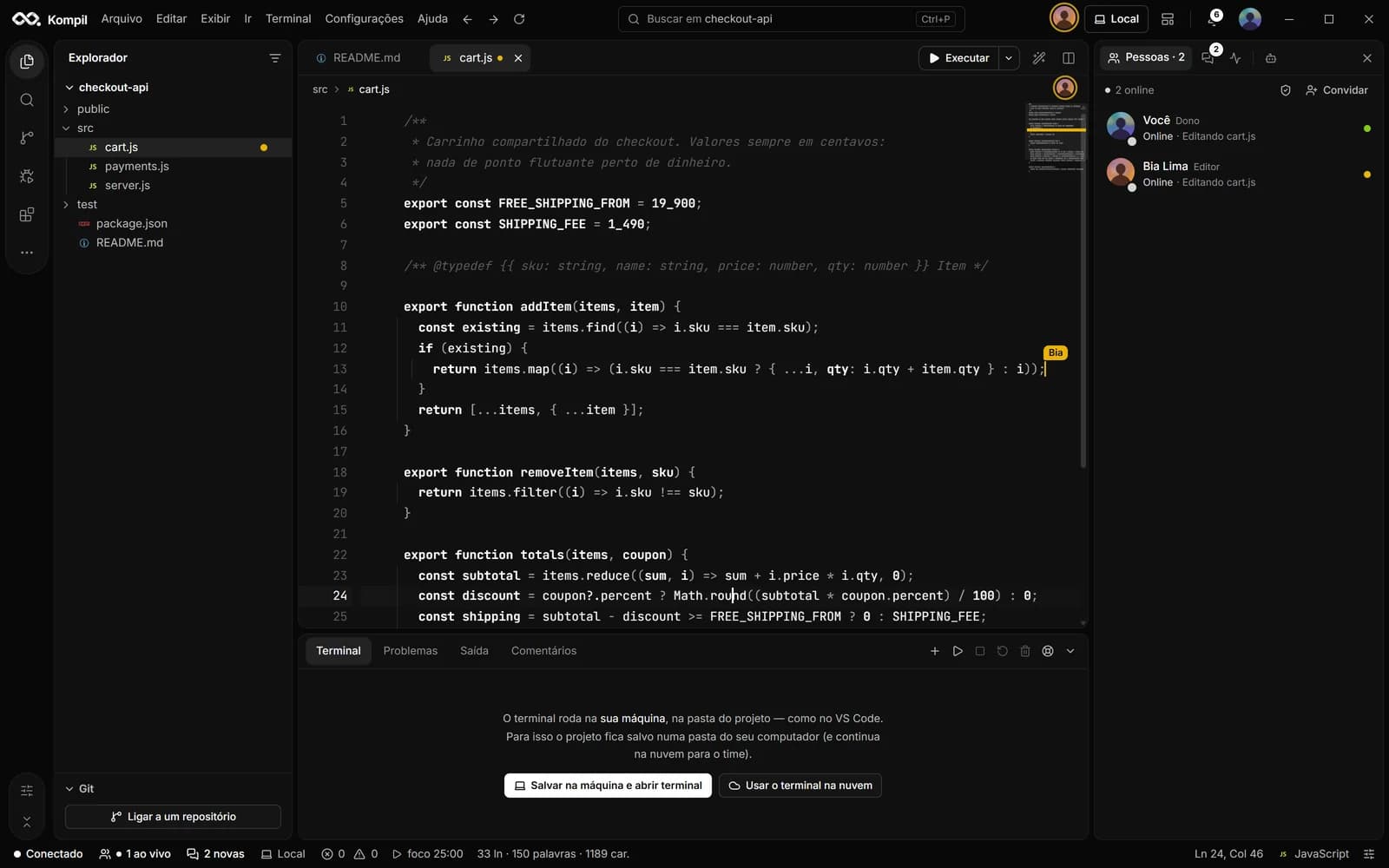
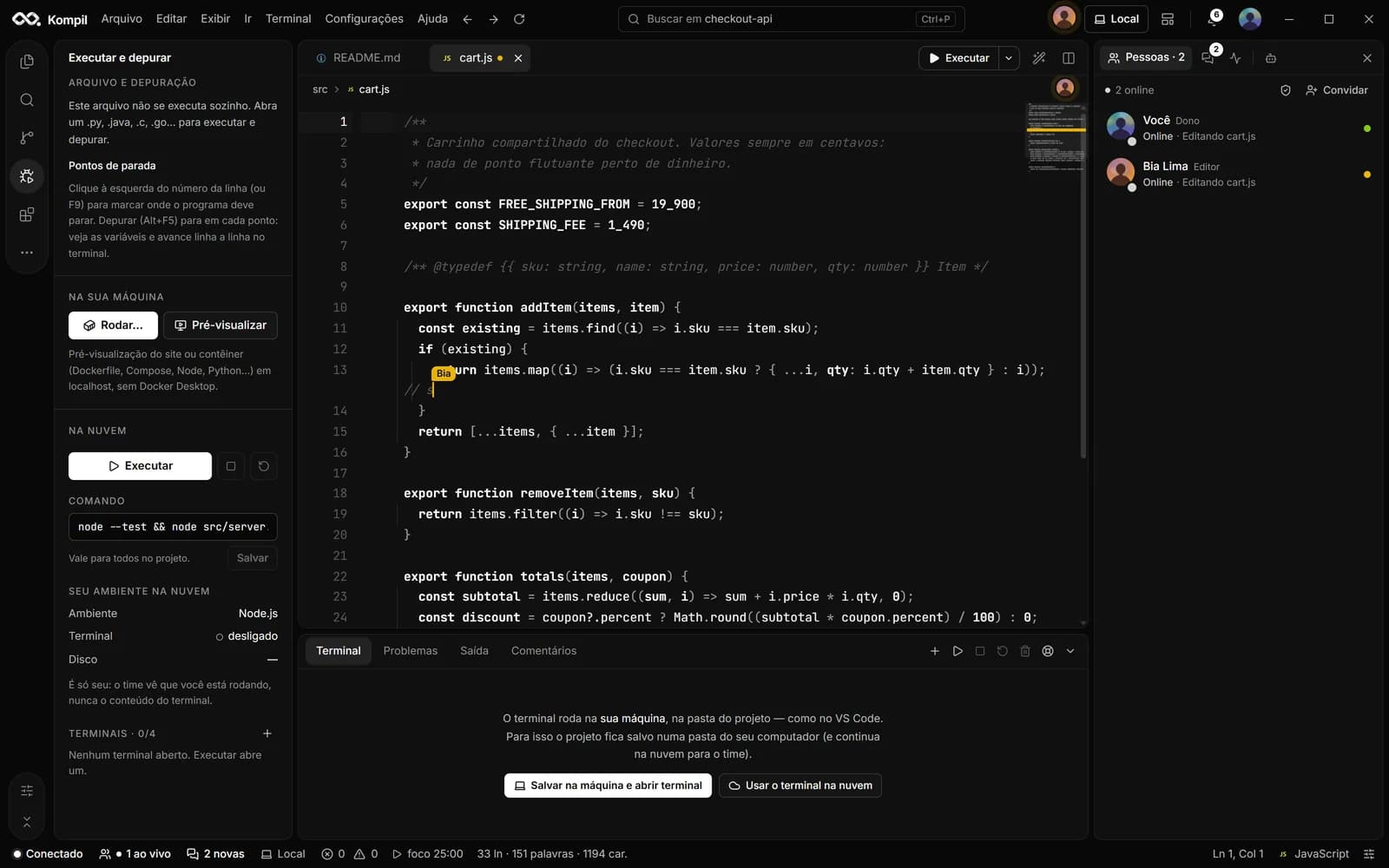
Several people in the same file at the same time, every cursor named. Line comments and a chat linked to the code.
> 03 // Source control
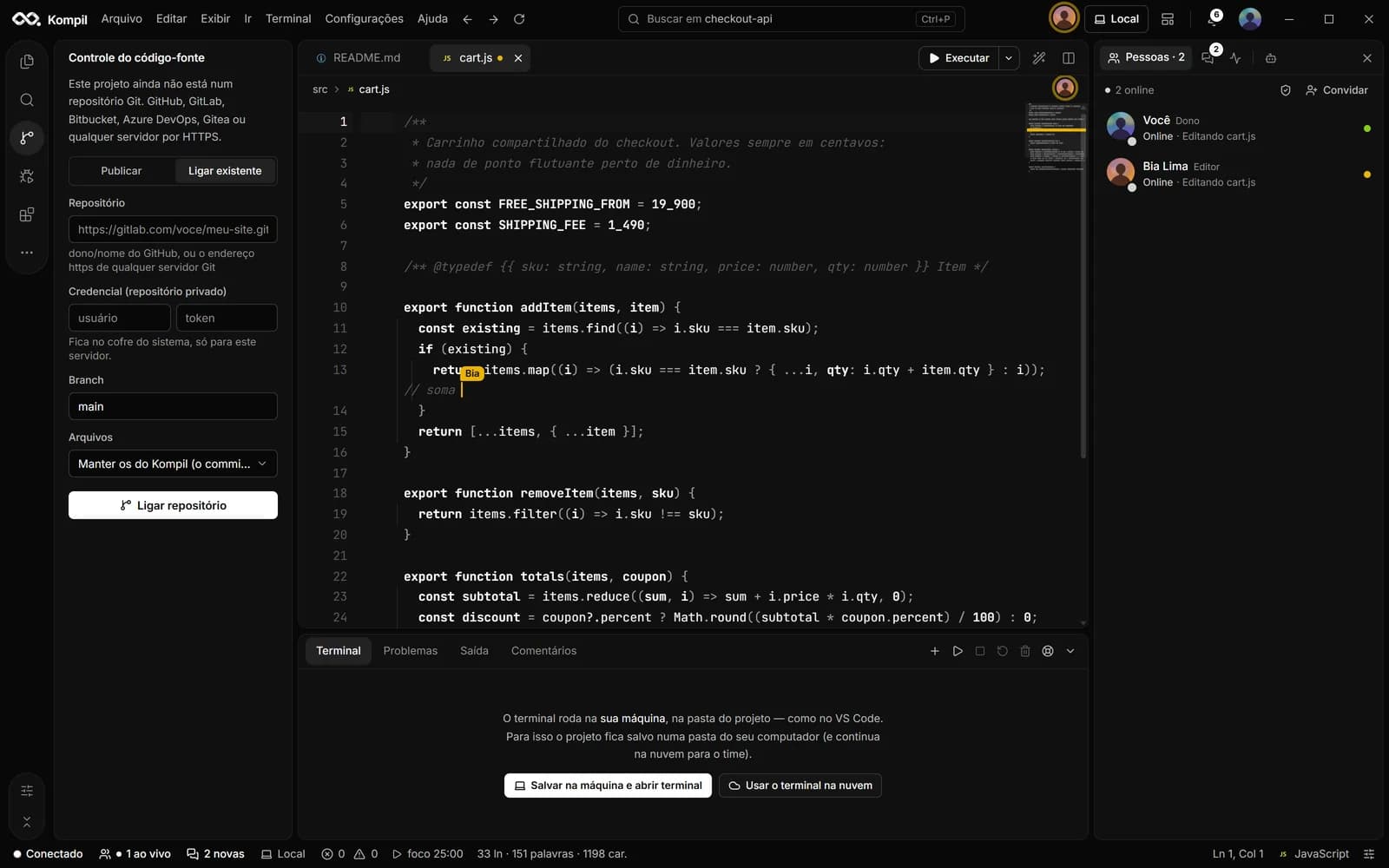
Commit, push and pull with any Git server, Live Server on localhost and an agent that deploys through the service's CLI — with your permission.
// changelog
> Version 1.5.1 · Oct 29, 2026
A new icon in black or white, encrypted data in the database, email confirmation by code, AI connections in your profile, a guided tour and themes that paint the whole IDE.
// Version 1.2 · Oct 18, 2026
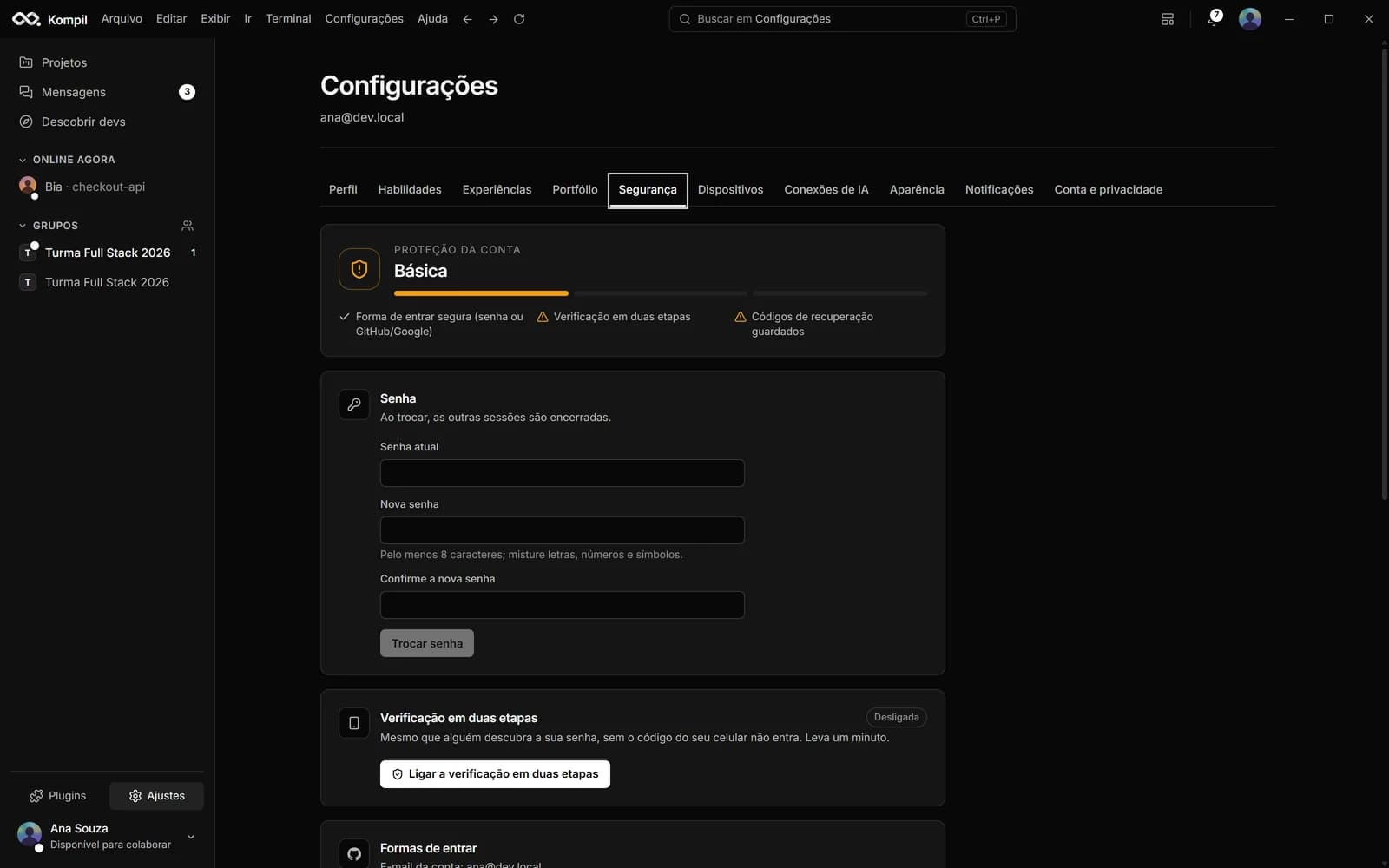
Five wrong passwords pause access; terms during setup and signed executables.
// Version 1.1 · Oct 18, 2026
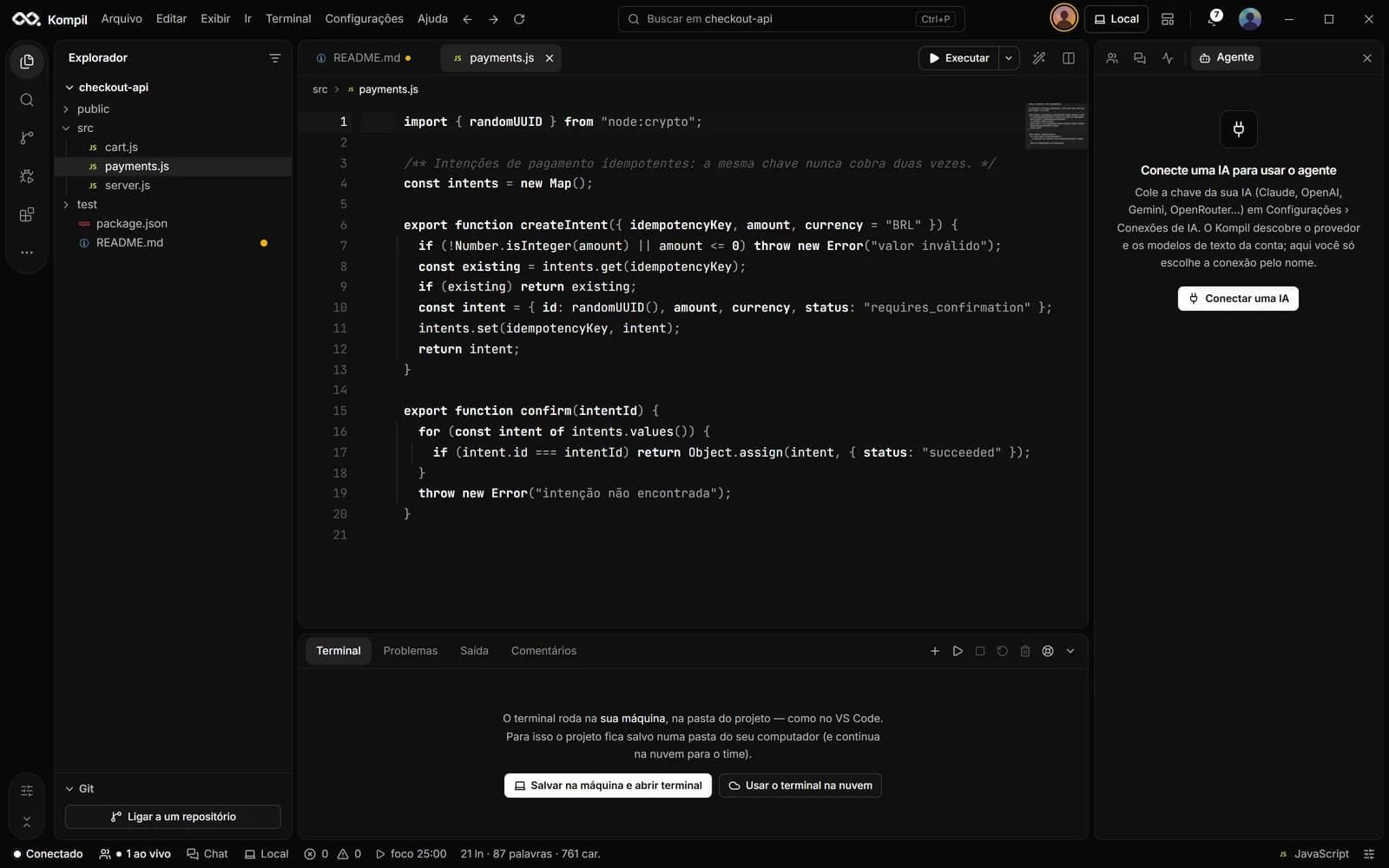
It reads, edits, runs commands and commits — asking permission at every step.
// Version 1.0 · Oct 13, 2026
Live editing, line comments, AI usage and account security.
// why Kompil Code
One app to write, review, run and ship. Everyone sees where the others are in the code, talks about the right line and uses their own AI — no screen sharing, and no key sent to any server.
Sources: the app's extension catalog and the 1.0 and 1.1 release notes.
// features
[AI]
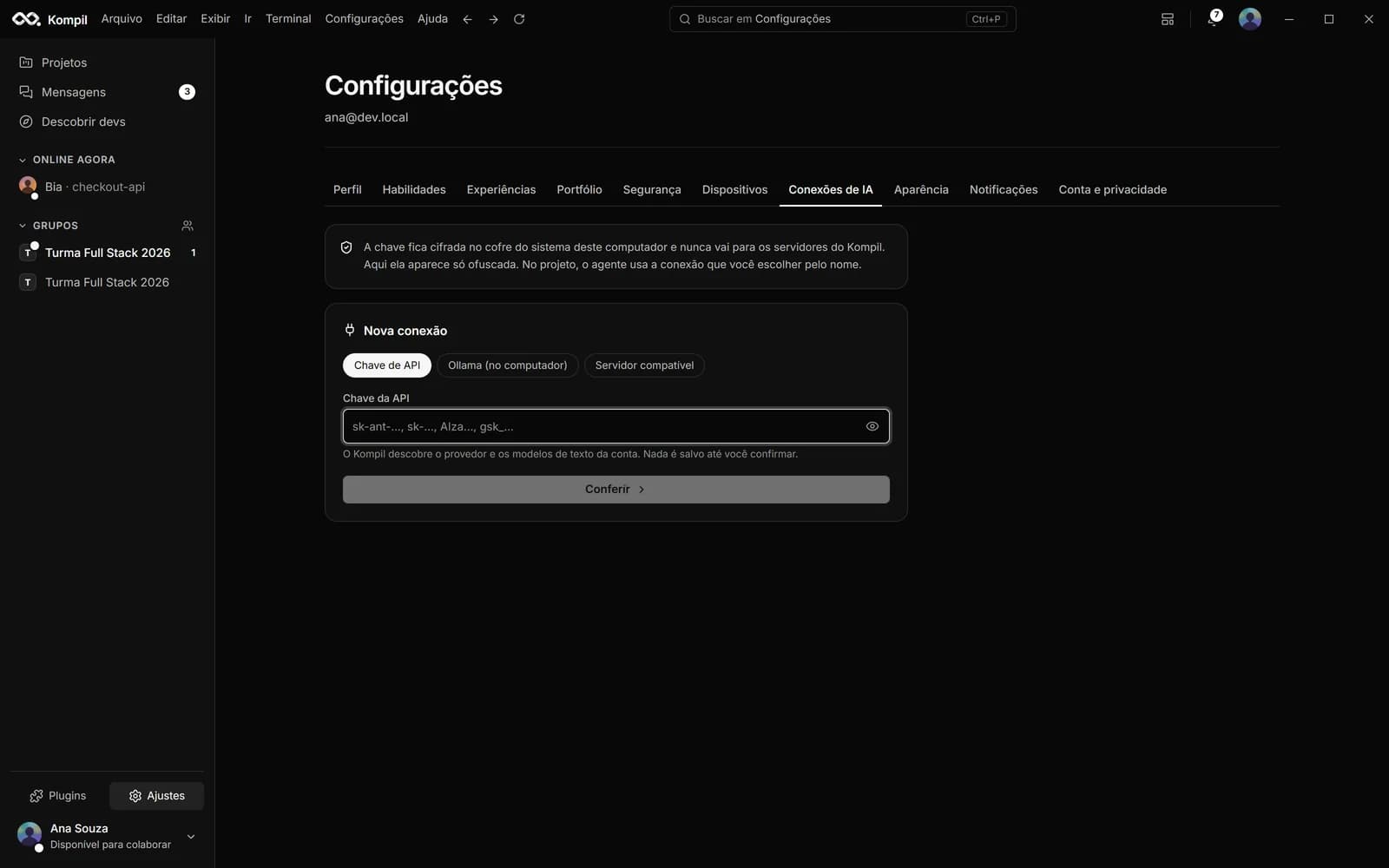
Anthropic, OpenAI, Gemini, OpenRouter, Groq, DeepSeek, Mistral, xAI or Ollama. It reads the project, edits, runs commands and commits — and shows the diff or the command before every step.
[Collaboration]
Every keystroke shows up for everyone right away, with each person's cursor and name.
[Run]
Run (F5), breakpoints (F9), local terminal and containers through the Kompil Engine.
[Git]
Publish or link a repository, stage, commit and push, pull, diff and conflicts.
[Security]
Two-step verification, sessions, brute-force lockout and data stored encrypted.
// ai in kompil
Kompil Code doesn't lock you into one model. Use the official GitHub Copilot and Claude Code extensions, or connect any provider's key to the coding agent. If the API is compatible with OpenAI's, it works — for code and for text.
It reads the project, edits, runs commands and commits — asking permission at every step.
The same ones as in VS Code, running on the embedded engine.
With Ollama, the AI runs on your machine: your code never leaves it.
// inside the app
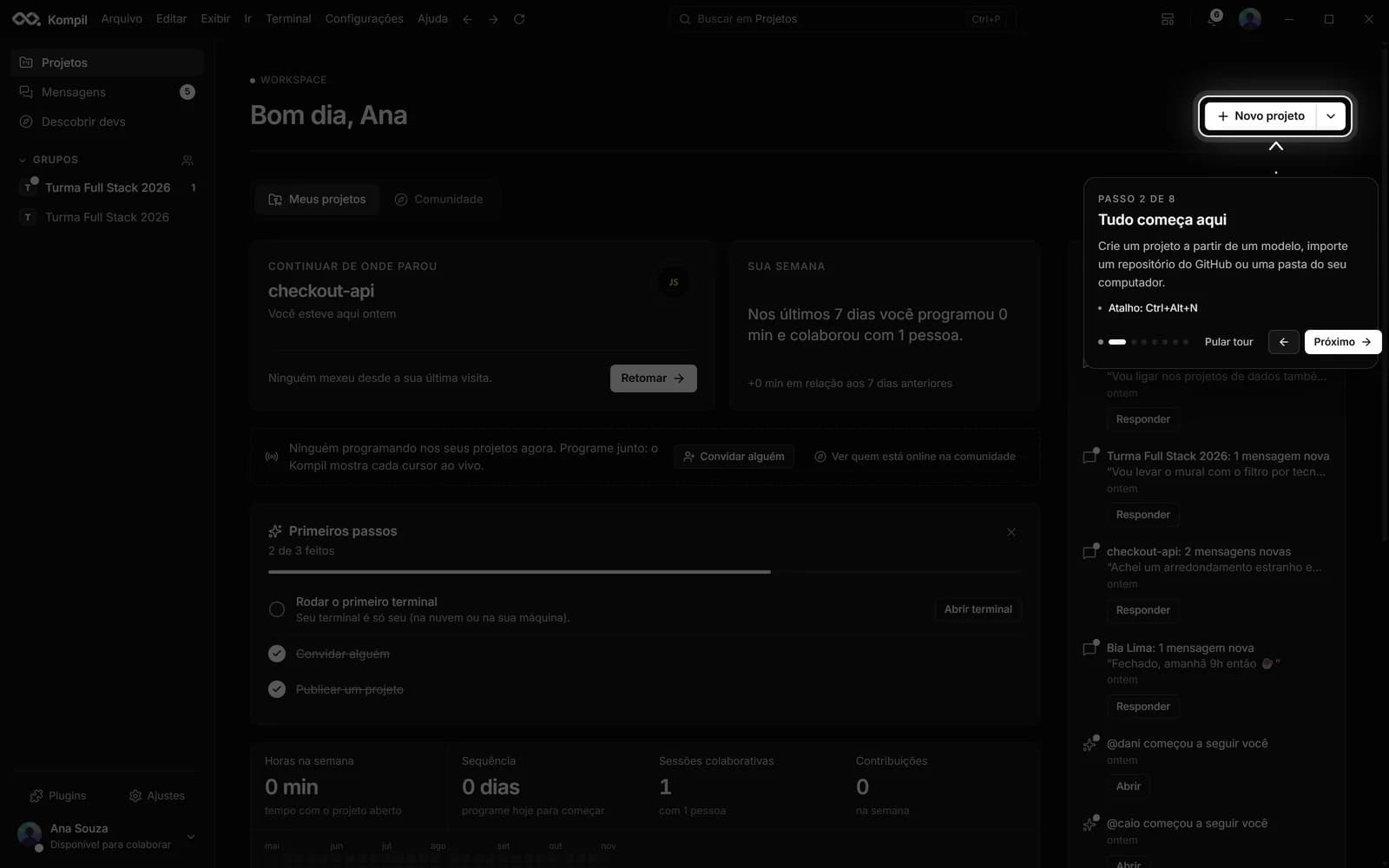
Real screenshots of Kompil 1.5 for Windows, with the checkout-api demo project. The app interface is in Portuguese (Brazil).
> Live
Bia's cursor shows her name on line 13. Under People, who is online and in which file.
// run anywhere
The code belongs to the team; running it is up to each person. Choose where — and how many projects at once.
Each project runs with its own Live Server and its own container, each on its own port. The Runs panel, on the title bar, shows everything that's running.
On Windows, the Kompil Engine runs your Dockerfile and Compose in its own Linux environment on WSL 2, with the same Docker commands. Ports show up on localhost.
A container of your own for each project, with a terminal and the project's run command, ready for Node, Python, Java, Go, Rust, PHP and Ruby. The team sees that you're running, never your terminal.
Git with GitHub, GitLab, Bitbucket, Azure DevOps, Gitea or any HTTPS server. The agent deploys through the Vercel, Netlify or Firebase CLI.
// desktop × web
| Feature | Desktop | Web |
|---|---|---|
| Real-time collaborative editor, presence and suggestion mode | ||
| Messages, groups and project chat | ||
| Terminal and running code | Cloud terminal only | |
| AI agent, Claude and GitHub Copilot | ||
| Git (commit, push, pull, import a repository) | ||
| History, milestones and replay | ||
| Extensions and themes | ||
| Save to your machine and work offline | ||
| Developer network (profile, discover, groups) |
// community
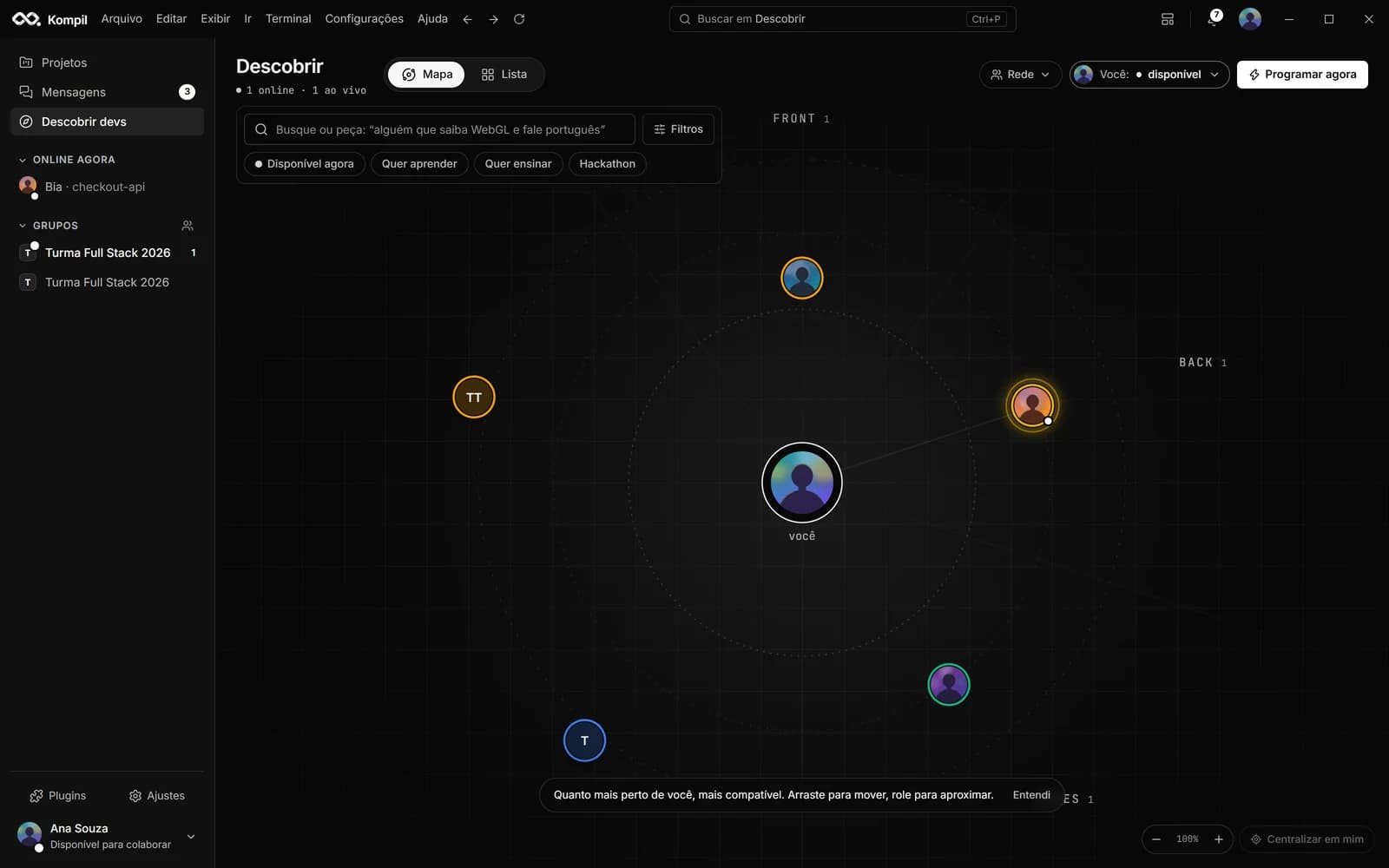
In the Orbit view, you are in the center and developers are around you, closer the more you match: skills, goals and overlapping hours. Invite someone to a pair session, ask for help on the board and build teams.
// get started
// faq
Today, Windows 10 and 11 (64-bit). The desktop app for macOS and Linux is marked “coming soon” on the download page. The web version opens in the browser to edit and chat.
Yes. The desktop app asks you to sign in with your account, by email. Creating an account is free.
The Kompil app interface is in Portuguese (Brazil). This site is available in English and in Portuguese.
The web is for editing and chatting from anywhere: the collaborative editor, messages and the cloud terminal. The desktop app is the full Kompil: AI agent, Git, history, extensions, local terminal, saving to your machine and the developer network.
It updates itself: the app downloads the new version in the background and shows Update on the title bar; one click installs it.
// free account
Creating an account is free. Download the app for Windows or sign in on the web to edit and chat from anywhere.
Windows 10 and 11 (64-bit) · macOS and Linux coming soon